ManusPocket Live
Stream with an Android phone and a compatible USB camera. Auto bitrate and custom logos.
Free download ↓Live streaming made simple. Bring your Android phone and a DJI Pocket that supports USB webcam mode, and build a live setup that travels with you.
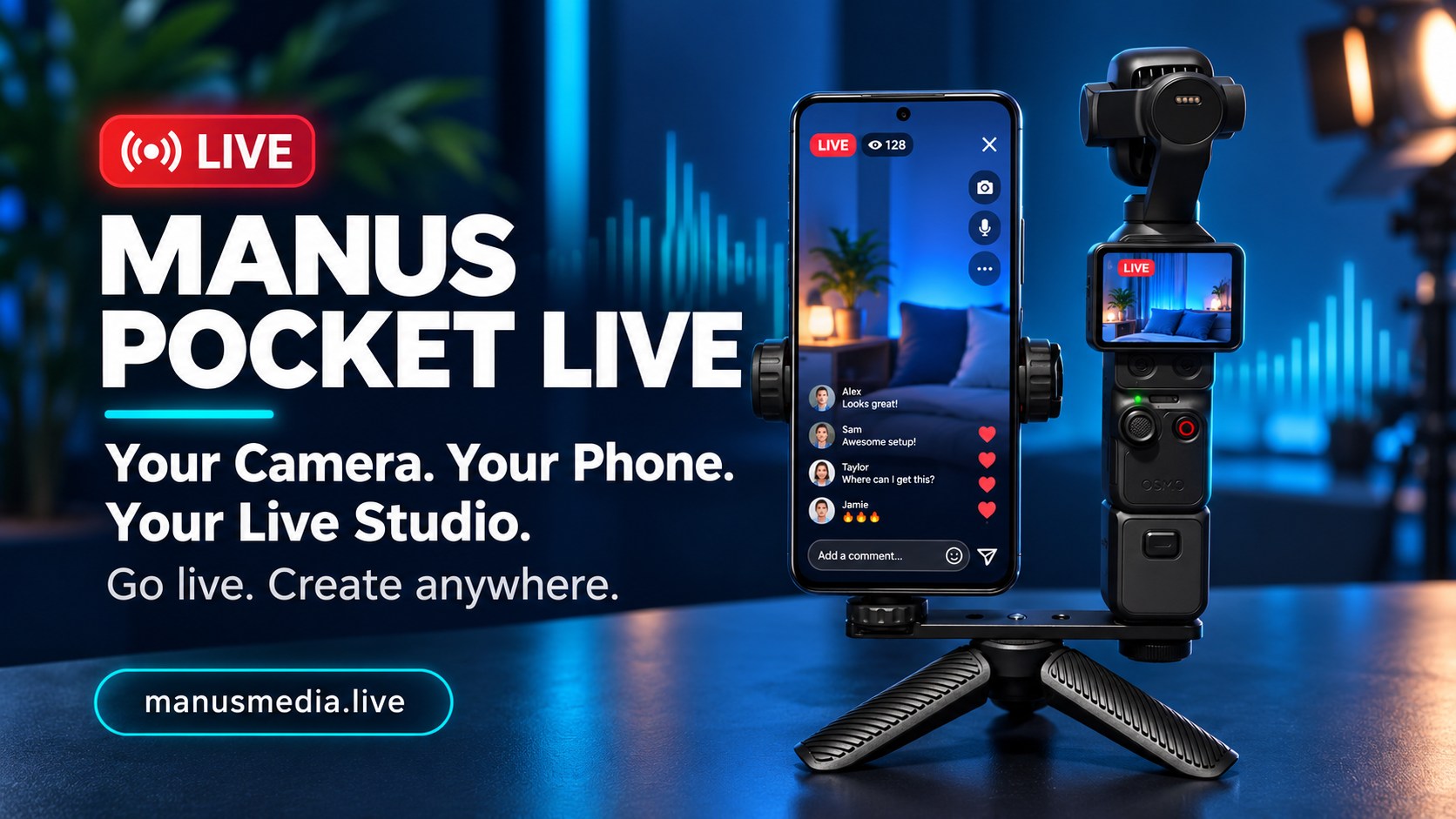
From the studio to the field.
Stream with an Android phone and a compatible USB camera. Auto bitrate and custom logos.
Free download ↓Windows video encoding software for live streaming and recording. In development and testing.
A mobile signal tool to help evaluate locations and antenna direction. In development.
Loading statistics…
Since tracking was enabled. Page views are not unique people. Download clicks do not confirm completed downloads or installations.
Copy the server URL and stream key from your streaming destination. They are different values and must belong to the same stream.
rtmps://stream.example.com/live/Paste the platform server address, not a page URL or video watch link.
YOUR_PRIVATE_STREAM_KEYPaste only your stream key. Keep it private and never publish screenshots containing it.
For a field explicitly requiring a full URL, append the stream key to the server URL with one separating slash as instructed for that field. If there are separate fields, keep the values separate and do not duplicate the key in the URL.
rtmps://stream.example.com/live/YOUR_PRIVATE_STREAM_KEYOpen Live Producer → choose Streaming software → copy the displayed server URL and stream key. Check the preview on Facebook, then select Go Live when ready.
Open YouTube Studio → Create → Go live → Stream. Copy the stream URL and stream key from Live Control Room, then check the receiving preview and status.
Open Restream → New Stream → Encoder | RTMP, or open RTMP Setup for an existing stream. Copy the URL and stream key for that stream.
The values above illustrate the format only and cannot be used to stream. Copy your own platform values, preserving rtmp:// or rtmps://, ports, and parameters exactly. Your app build must support the required protocol. A Streaming status in the app does not confirm that viewers can see your feed: also check the receiving platform.
Platform documentation: YouTube ↗ · Restream ↗
A portable live production toolkit that puts camera input, bitrate control, branding, and live status in one place.
Available modes and indicators depend on the app version and device. Auto Bitrate helps manage changing bandwidth; it does not guarantee uninterrupted streaming when connectivity is lost.
Three live recordings provided by ManusMedia. Open the original videos on YouTube and judge the results for yourself.
Download ManusPocket Live Beta 1 for free and support its development in one place.
Make live streaming simple with your phone and camera.
↓ Free DownloadOpens the file on Google Drive · Please read the usage notice below before installing.
Read the setup guide ↓The download is free. Optional contributions support the continued development of ManusPocket Live.
 Support with PayPal
PayPal: [email protected]
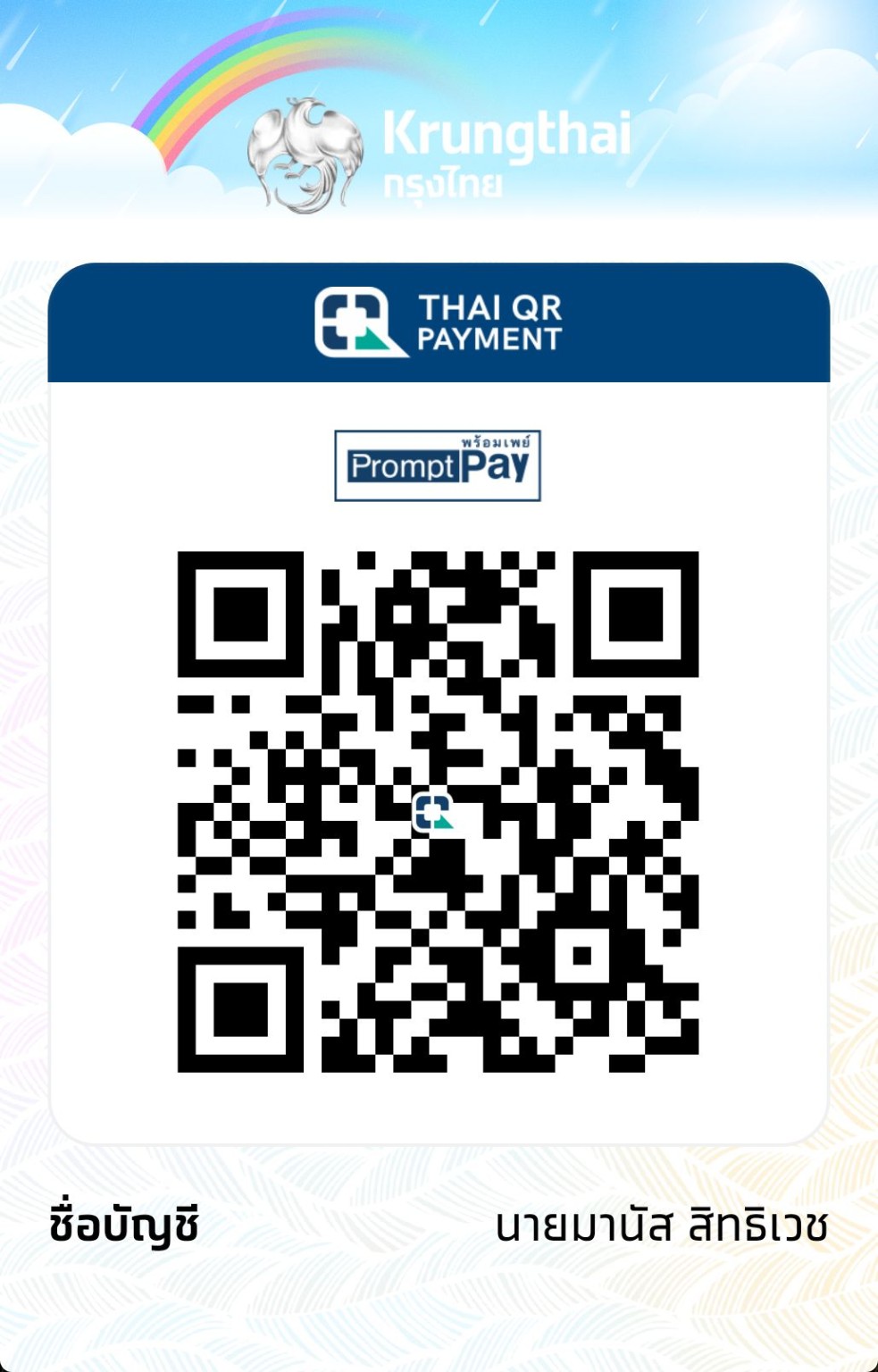
Recipient: นายมนัส สิทธิราช
Check the recipient name in your banking app before confirming.
Verify the recipient and amount on PayPal before confirming.
A practical starting guide. Menu names and available options may vary with the published app version.
Explore the creator’s channel for real streams and project updates.
ManusPocket Live Beta 1 is test software provided as is. It may contain errors or be incompatible with some devices. Back up your data, check compatibility, and test before relying on it. If your phone or connected hardware becomes unusually hot, stop using the app and disconnect the equipment immediately. You choose to install and use the app at your own risk. To the extent permitted by applicable law, the developer is not liable for damage to phones or equipment, data loss, or losses arising from use. This notice does not exclude rights or liabilities that cannot lawfully be excluded.
Contact: [email protected]Charging only, no USB picture or unstable streaming? Check camera mode, data cable, USB permission and stream settings.
Read the DJI Pocket live streaming guide →#DJIPocket #LiveStreaming #ManusPocketLive #AndroidOTG #ถ่ายทอดสด